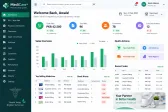
Size & colour variants
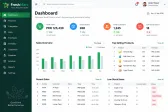
Manage garments and footwear by size, colour and style under one product.


Point of Sale
Billing, stock and customer records for clothing, electronics, mobile and general retail stores.
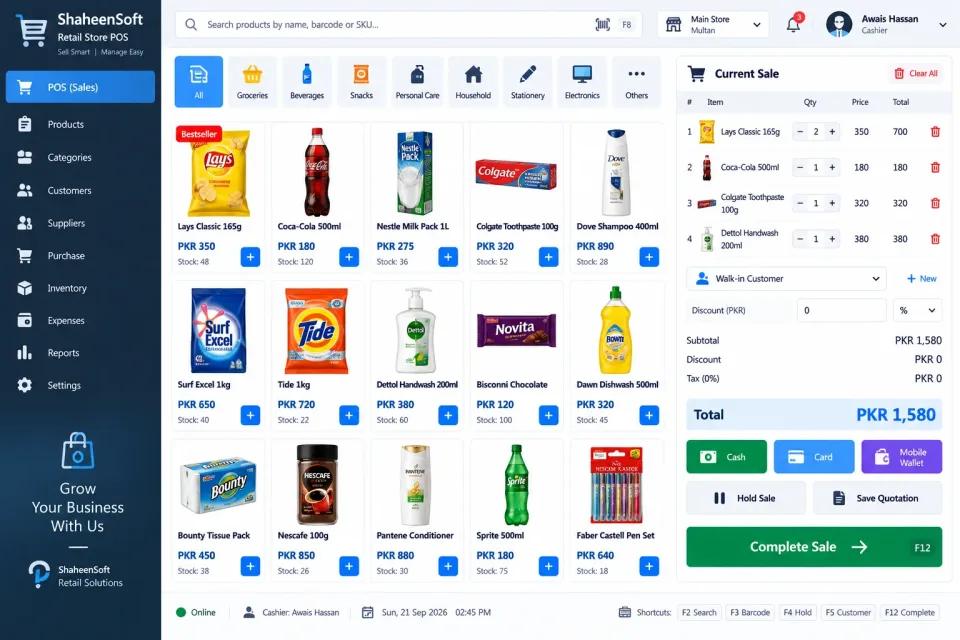
Configured for the way each of these businesses actually works.
Retail stock is rarely simple. A shirt comes in six sizes and four colours; a phone needs its IMEI recorded for warranty; a laptop is sold on installments. The system handles each of these properly instead of forcing everything into one generic product list.
Print your own barcode labels for items that arrive without them, process returns and exchanges against the original invoice, and keep a record of every customer with their purchase history and loyalty points.
If you run more than one shop, stock is tracked per branch and moved between them with a proper transfer, so you always know where each item actually is.
Manage garments and footwear by size, colour and style under one product.
Record serial numbers for phones and electronics and look them up for warranty claims.
Print your own barcode tags for stock that arrives without them.
Process returns and exchanges against the original invoice.
Customer records, purchase history and loyalty points to bring buyers back.
Sell on installments and track each payment schedule and balance due.
See stock in every shop and transfer items between branches.
Purchase orders, supplier bills and outstanding payments.
Run seasonal sales and item or category discounts on schedule.
Best sellers, dead stock and margin by product, category and branch.
Not just the software — everything needed to have your team using it.
From first call to your staff using it — up to two weeks.
A short call about how your business runs today and what the system must do.
We shape the system to your workflow, your branding and your reports.
We set it up on your computers or online and move your existing data across.
Your team is trained, and we stay on WhatsApp for anything after go-live.
Interested?
Tell us a little about your business and we will walk you through the system, answer your questions and send you a quote. No obligation.
We'll respond within 24 hours
It is a one-time price, not a monthly subscription. The final figure depends on the number of computers or branches, the features you need and any customisation, and you get a fixed quote after a short call.
Yes. Screens, receipts, reports, user roles and your branding are set up around how your business works. Features you need that are not listed can be added.
Yes. We install it, move your existing data across where needed, train your team and stay available on WhatsApp after go-live.