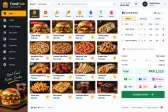
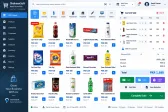
Stock in & out
Every receipt and issue recorded against the item, location and user.


Business Operations
Stock in, stock out, transfers and valuation across stores and warehouses.
Configured for the way each of these businesses actually works.
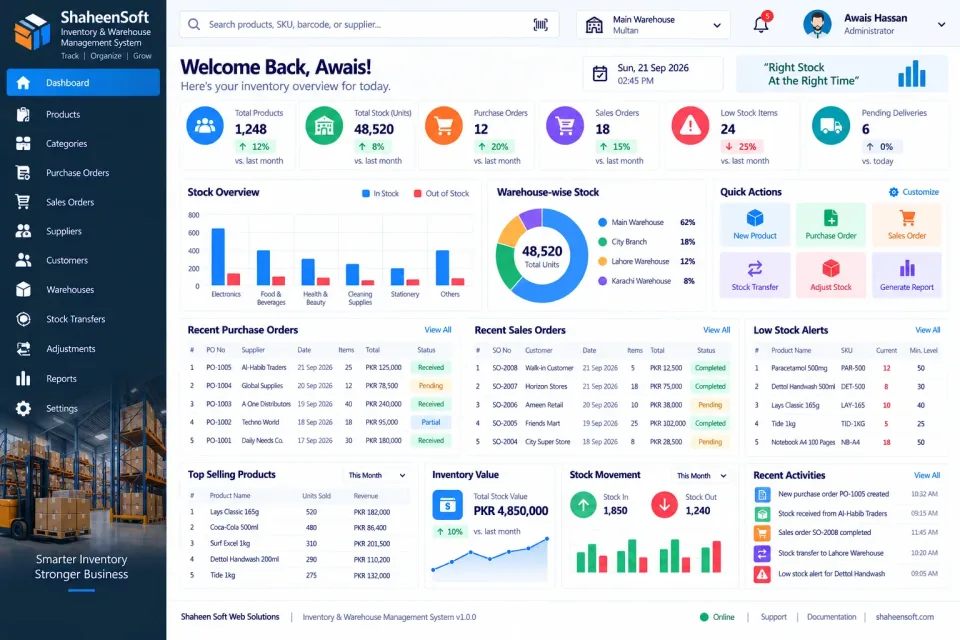
When stock lives in more than one place, spreadsheets stop being enough. The system tracks every item by SKU and barcode across each warehouse and location, with every movement — in, out or transferred — recorded against who did it and when.
Reorder levels trigger alerts before you run short, and purchase orders are raised and received against them. Batch and serial numbers are tracked where they matter, and stock is valued consistently so the balance sheet matches what is on the shelves.
Physical counts are entered as audits, differences are adjusted with a reason, and movement reports show exactly where stock has gone.
Every receipt and issue recorded against the item, location and user.
Track stock separately across warehouses, stores and bins.
Move stock between locations with a proper transfer record.
Item identification by SKU and barcode, with label printing.
Minimum levels that warn you before stock runs out.
Raise, send and receive purchase orders against suppliers.
Trace items by batch or serial number where it matters.
Consistent valuation so your accounts match your shelves.
Physical counts entered and differences adjusted with a reason.
Where every item came from, where it went and who moved it.
Not just the software — everything needed to have your team using it.
From first call to your staff using it — up to two weeks.
A short call about how your business runs today and what the system must do.
We shape the system to your workflow, your branding and your reports.
We set it up on your computers or online and move your existing data across.
Your team is trained, and we stay on WhatsApp for anything after go-live.
Interested?
Tell us a little about your business and we will walk you through the system, answer your questions and send you a quote. No obligation.
We'll respond within 24 hours
It is a one-time price, not a monthly subscription. The final figure depends on the number of computers or branches, the features you need and any customisation, and you get a fixed quote after a short call.
Yes. Screens, receipts, reports, user roles and your branding are set up around how your business works. Features you need that are not listed can be added.
Yes. We install it, move your existing data across where needed, train your team and stay available on WhatsApp after go-live.